Email marketing automation that works while you sleep
Build the workflow you've been picturing, with multiple triggers, conditional logic and split paths. Then watch the right message land at exactly the right time.
Start from a workflow template
Pick a ready-made workflow, from a welcome series to a drip campaign, and make it your own.
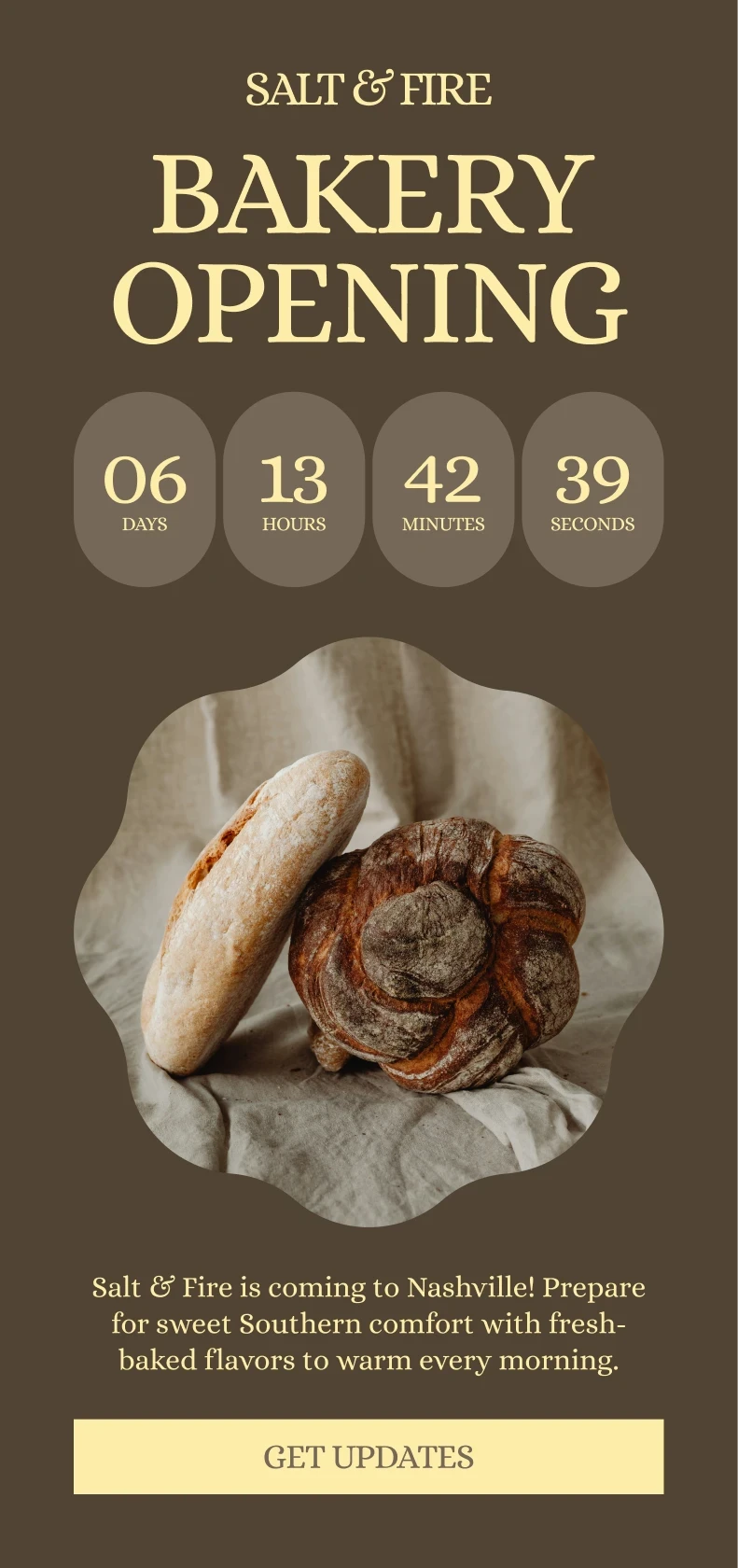
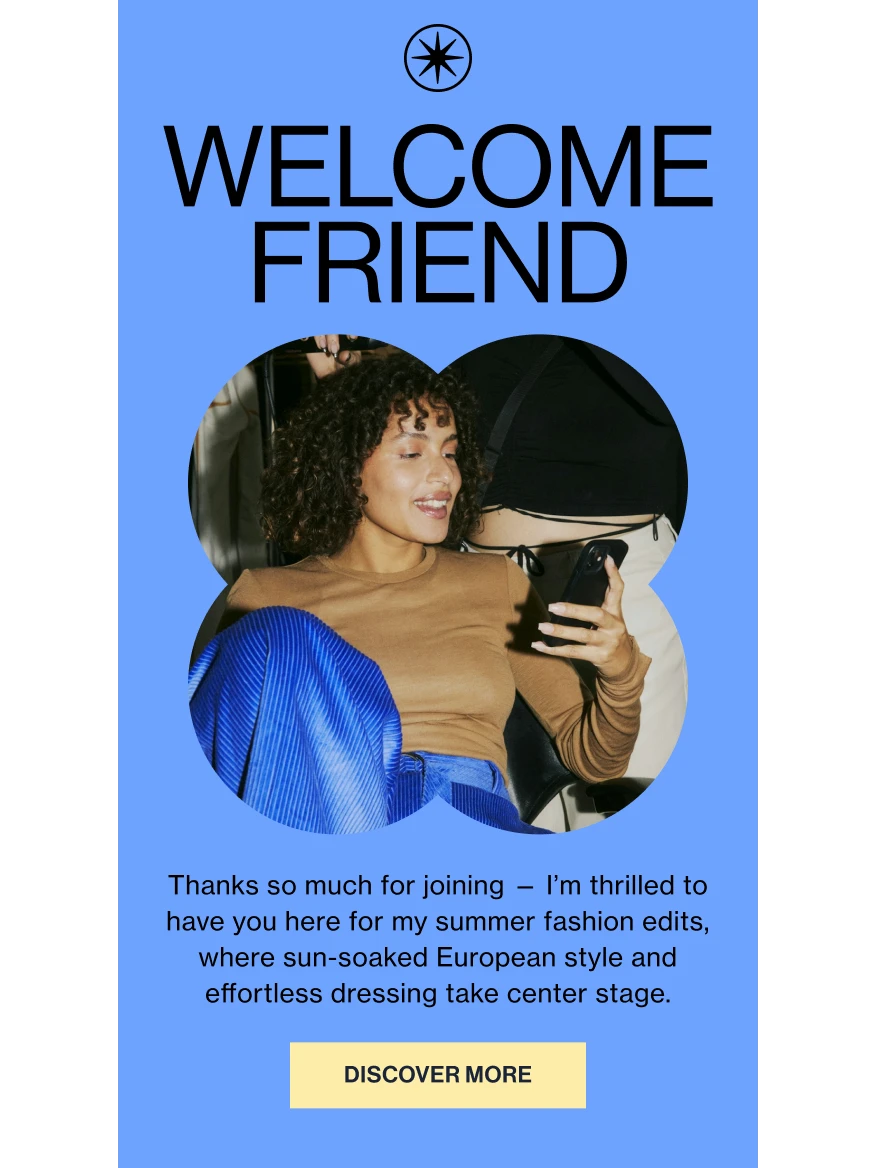
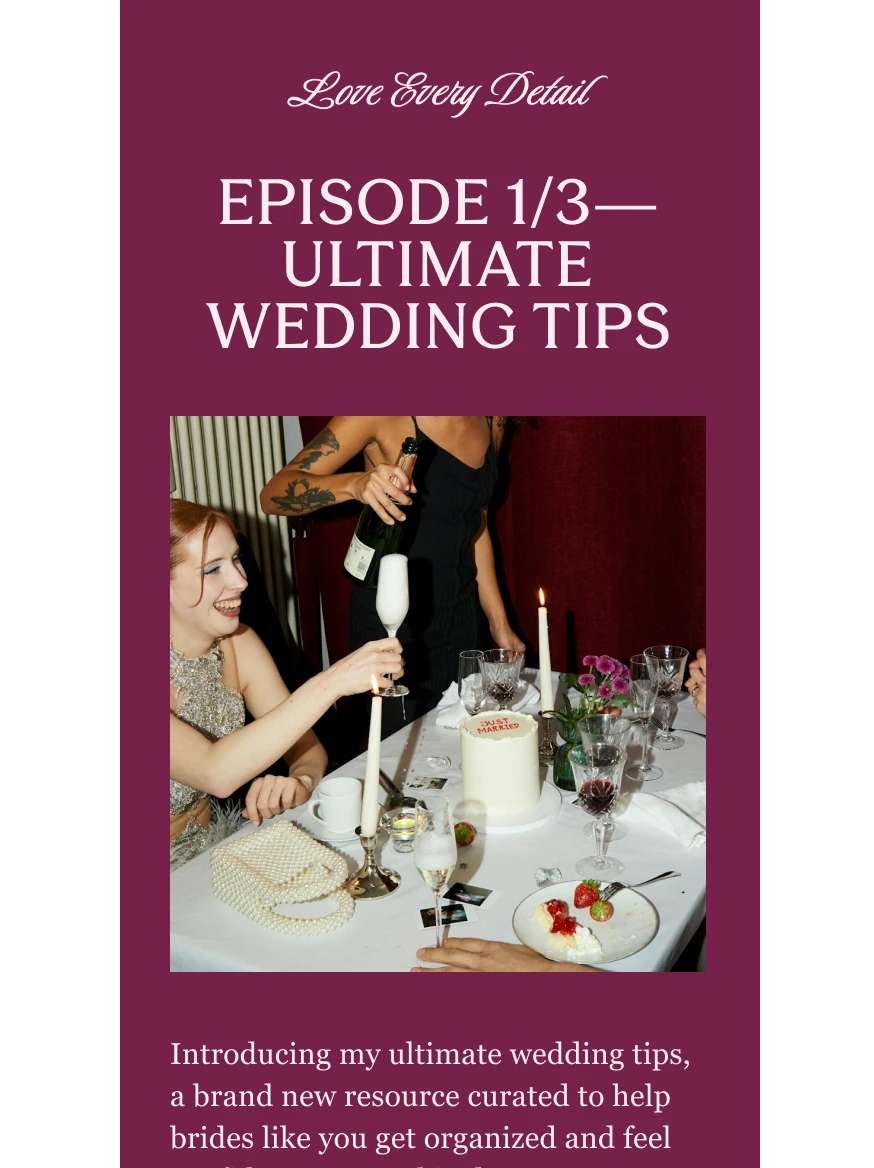
Welcome series
Introduce yourself to new subscribers with a few well-timed emails.
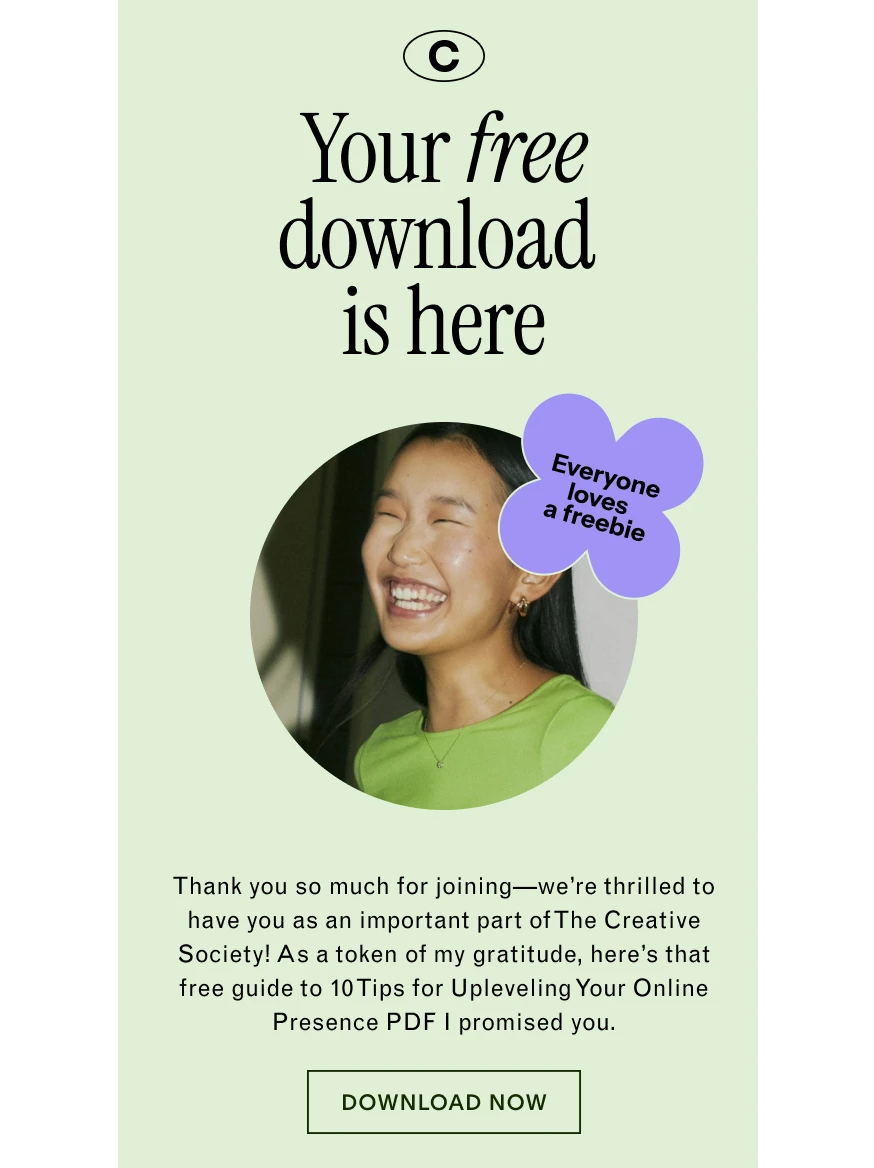
Freebie delivery
Send your lead magnet the moment someone signs up.
Nurture series
Build trust over time by sharing your best content, one email at a time.
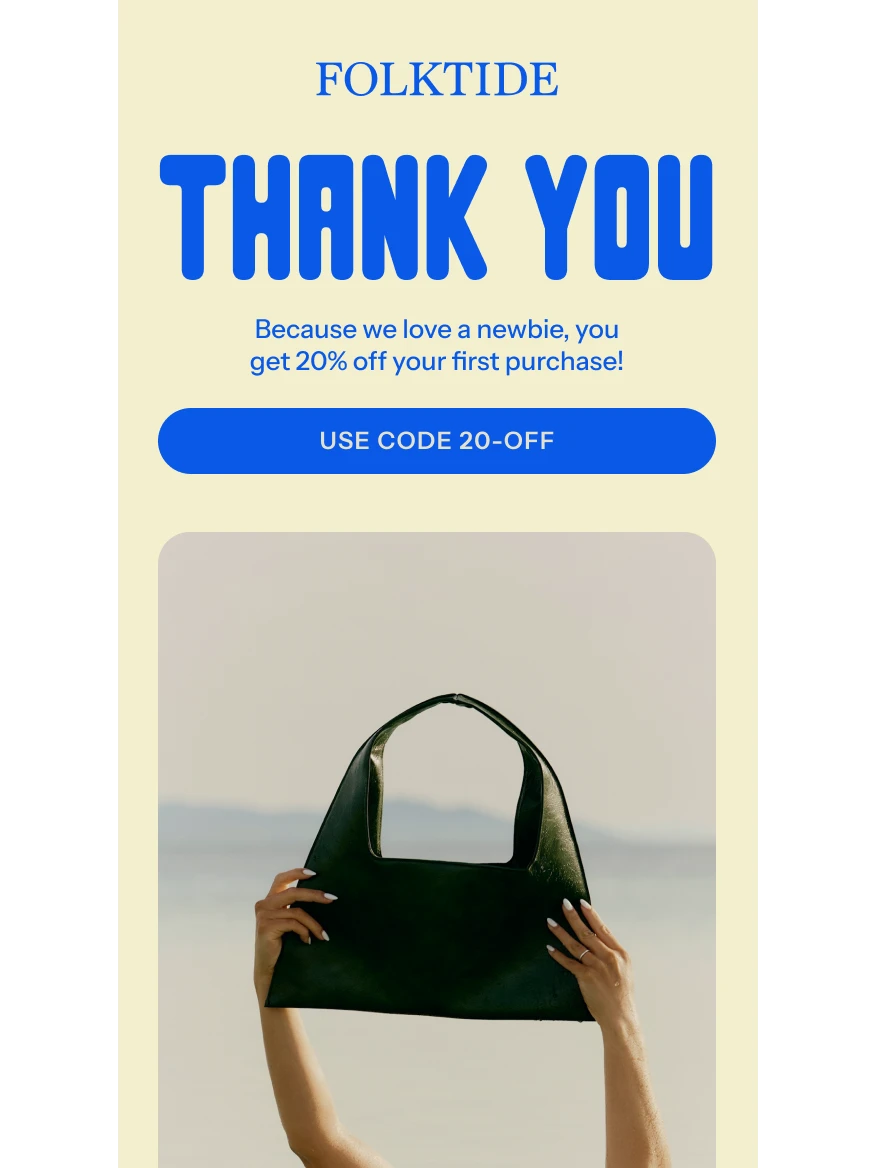
Coupon delivery
Thank new subscribers with a discount code they can use right away.
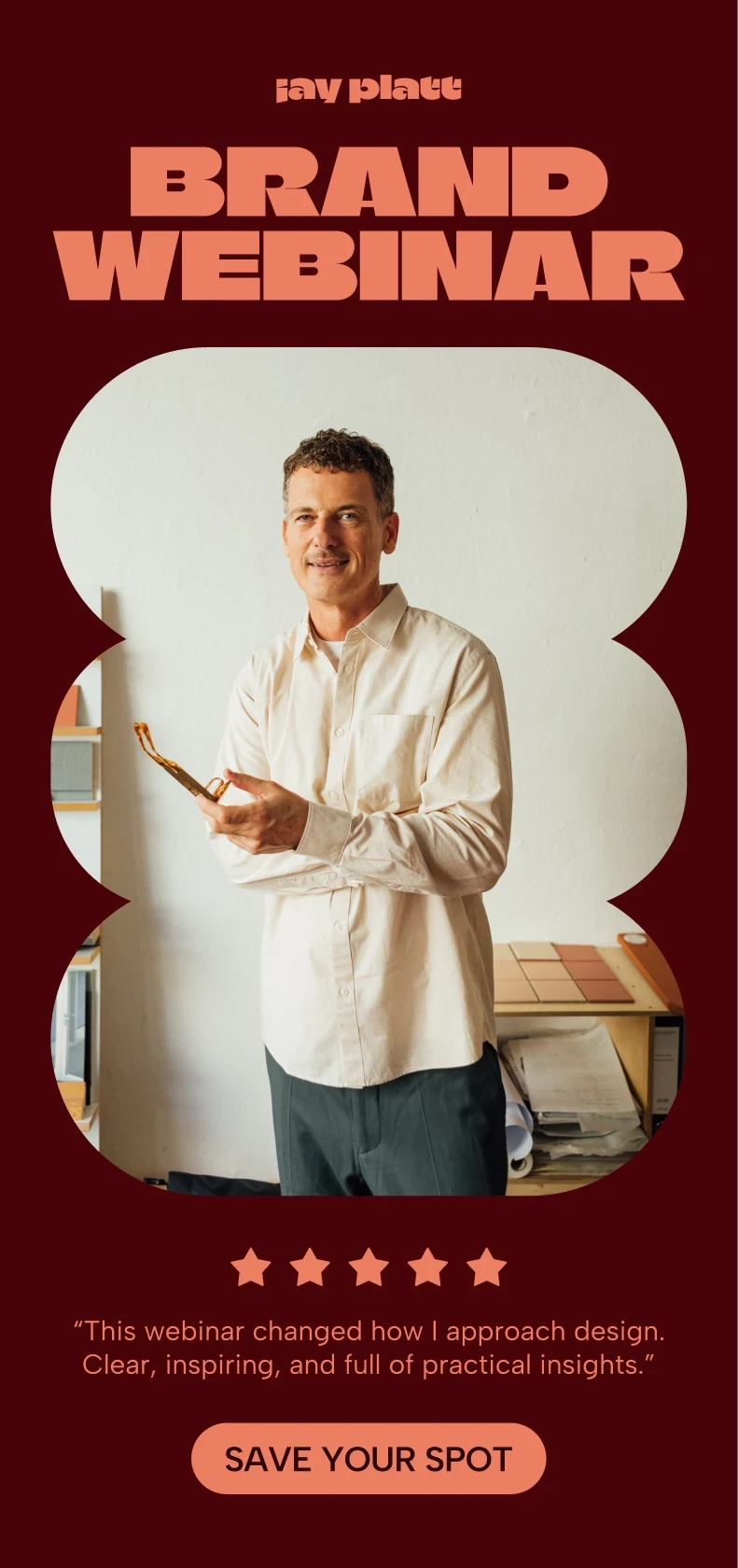
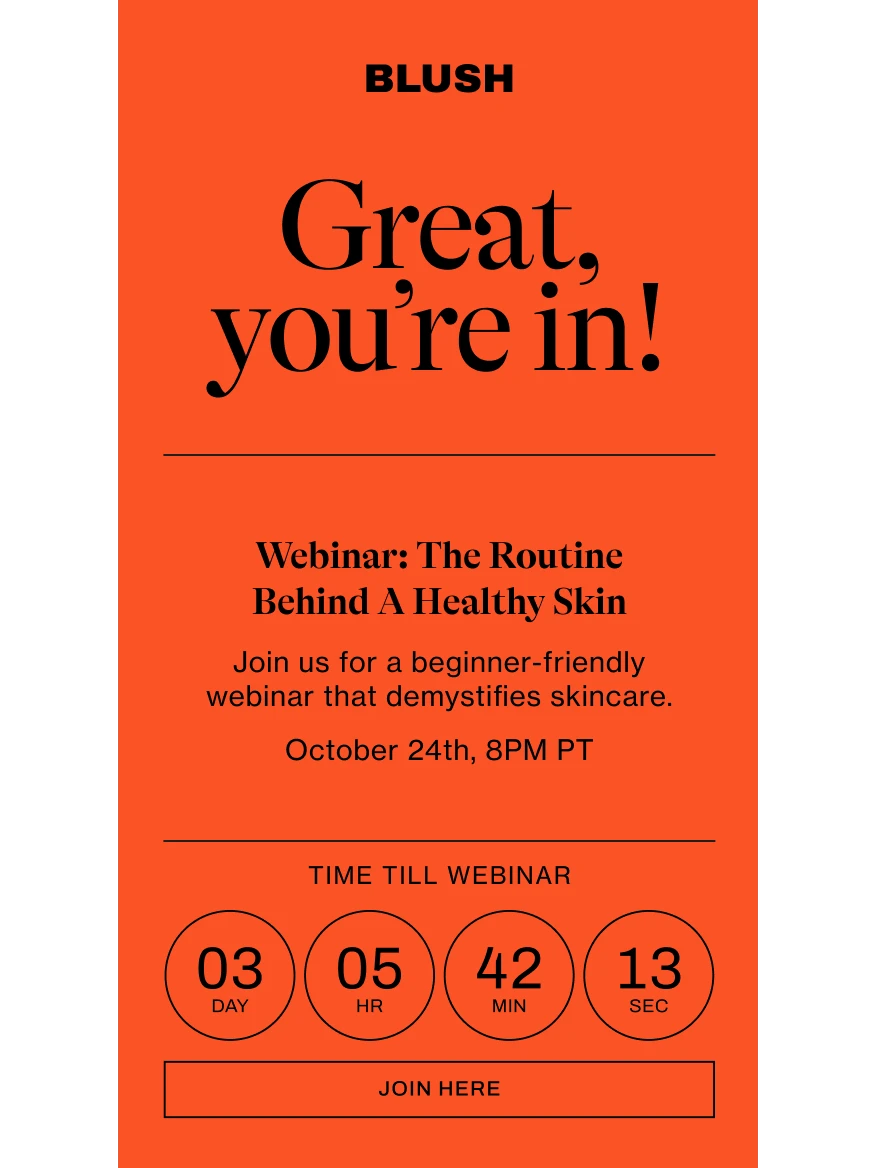
Event registration
Confirm every signup and send reminders before your event or webinar.
Purchase follow-up
Thank buyers and share what comes next after every purchase.

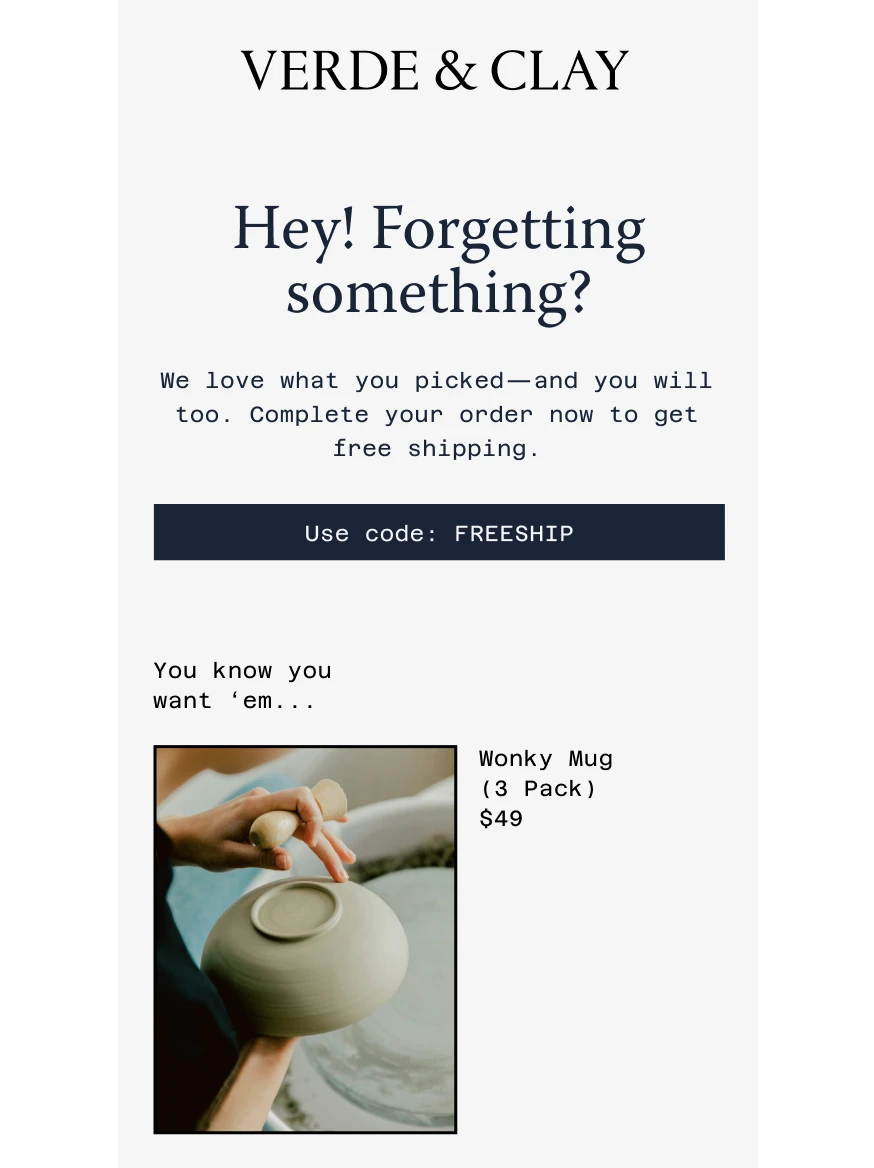
Abandoned cart reminder
Nudge shoppers who left something in their cart to come back.
Re-engagement series
Win back subscribers who haven't opened your emails in a while.
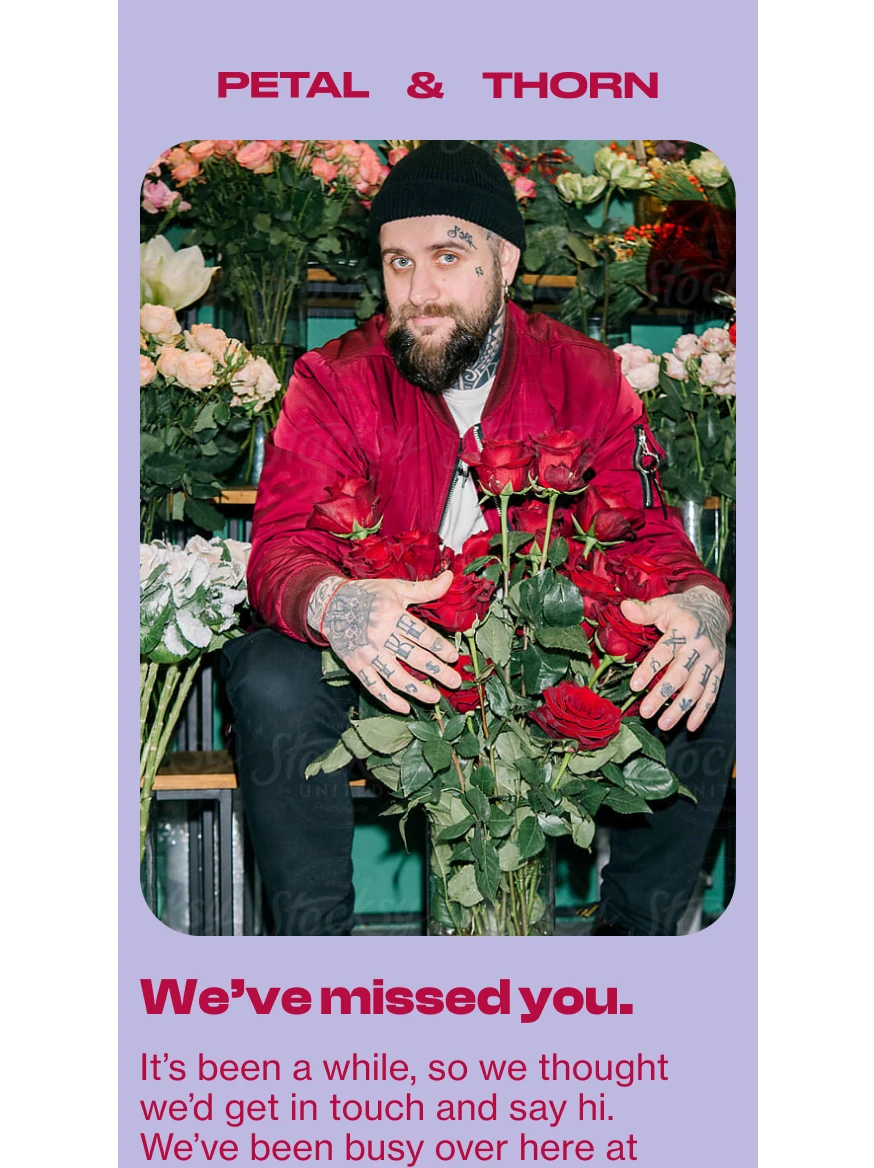
Trigger workflows from a sign-up. Or a sale. Or both.
Start a workflow when someone fills out a form, joins a segment, makes a purchase on Flodesk Checkout, Shopify, Squarespace, ThriveCart or Wix, or leaves something in their cart. Then drag the next steps into place.
See how every workflow performs
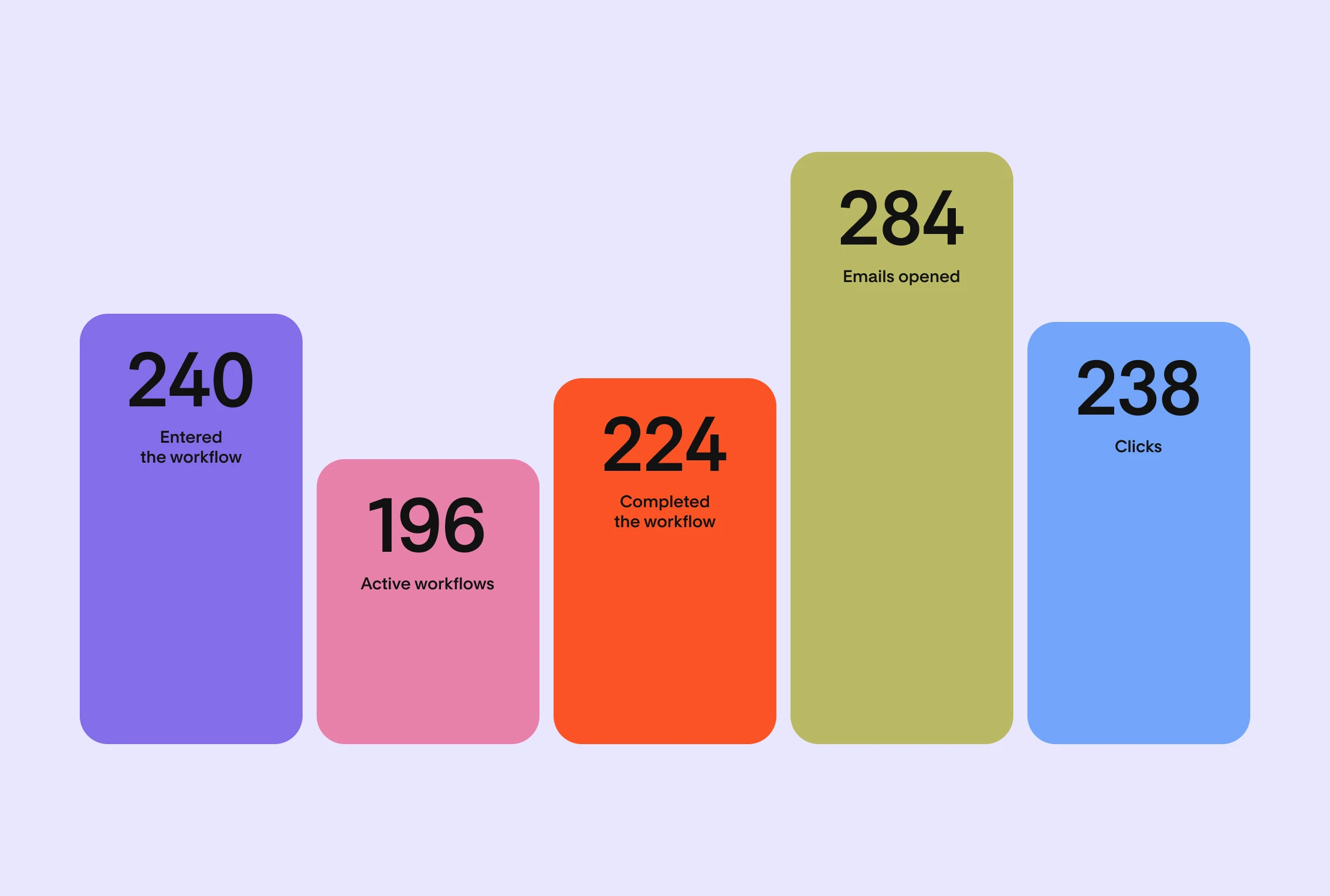
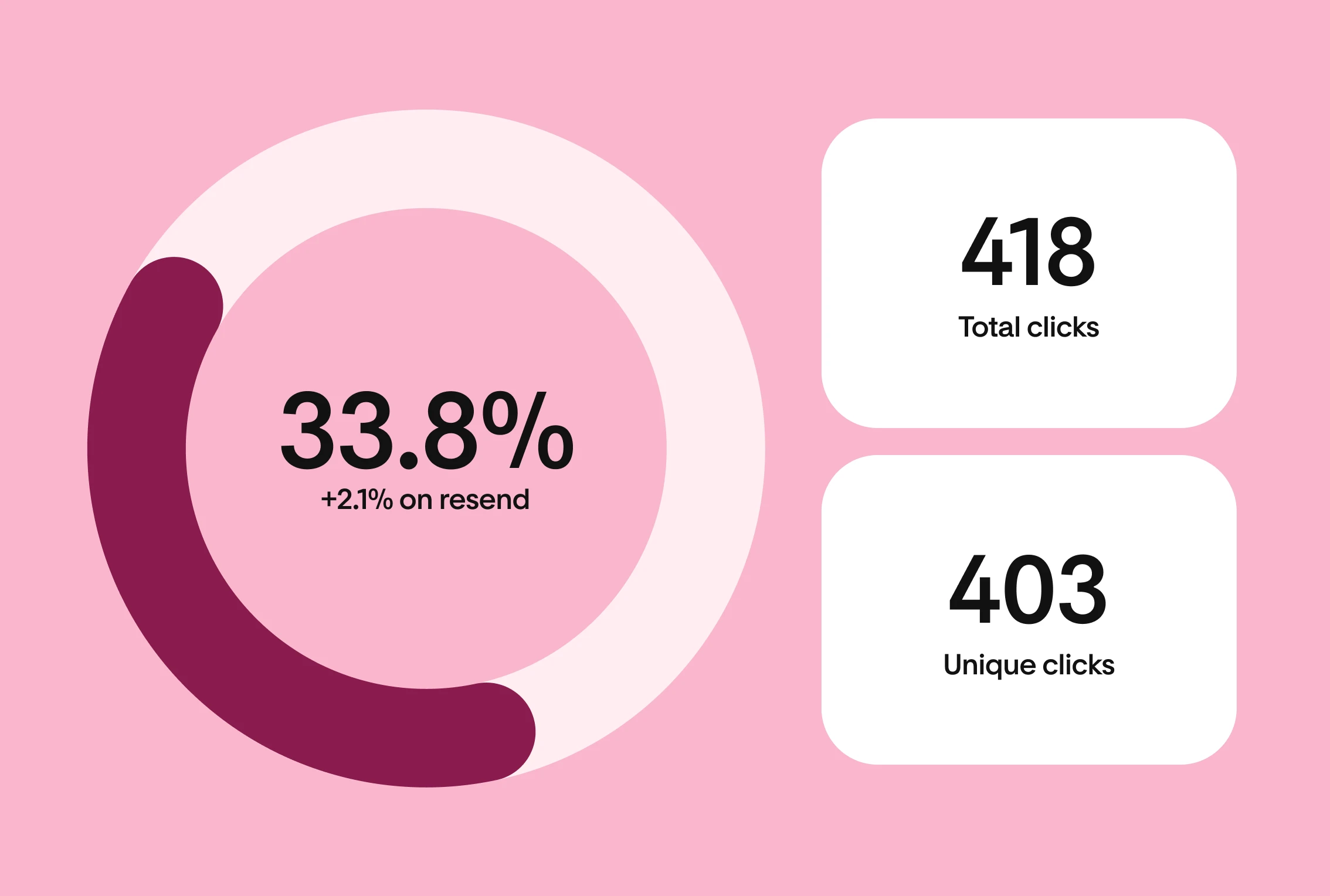
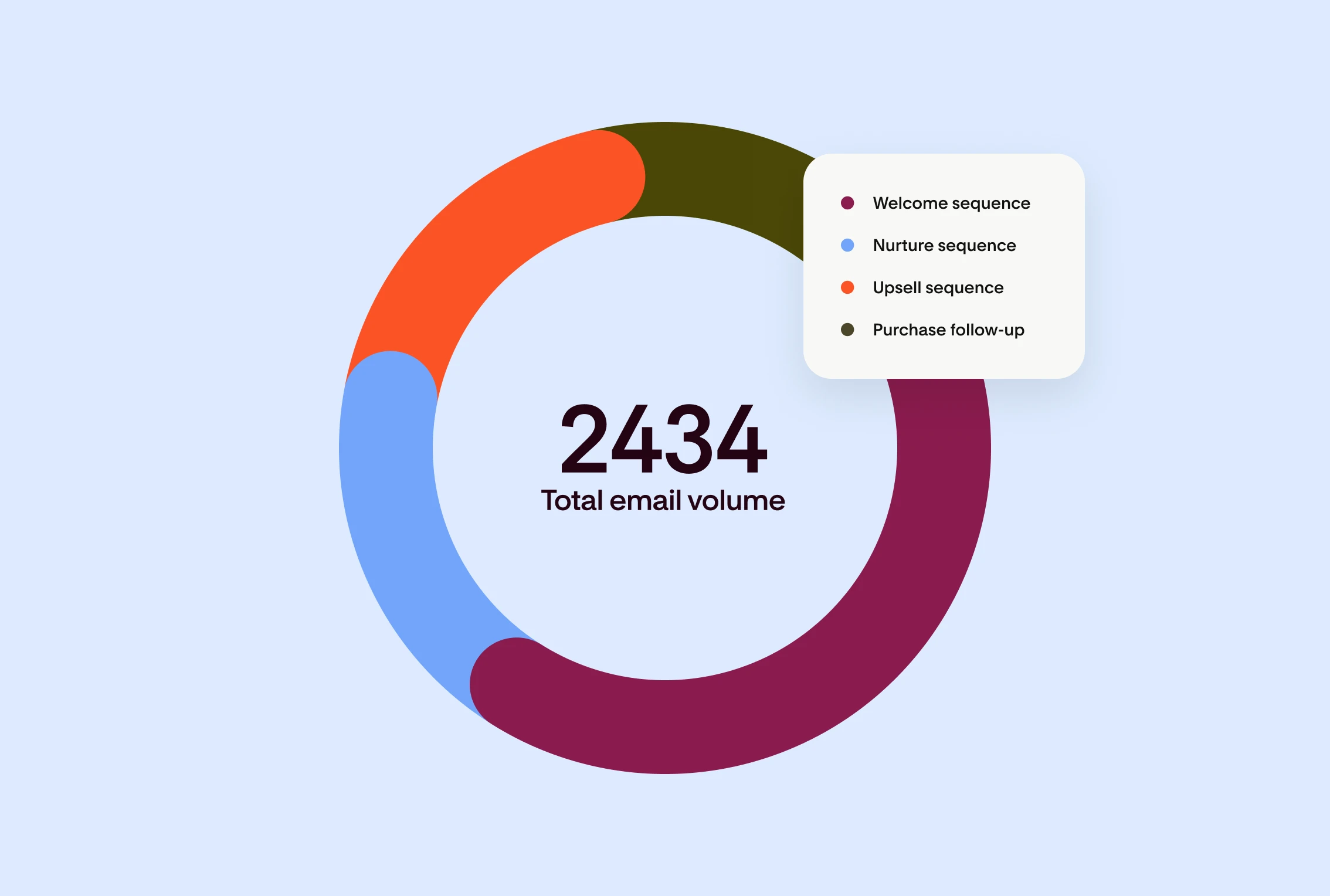
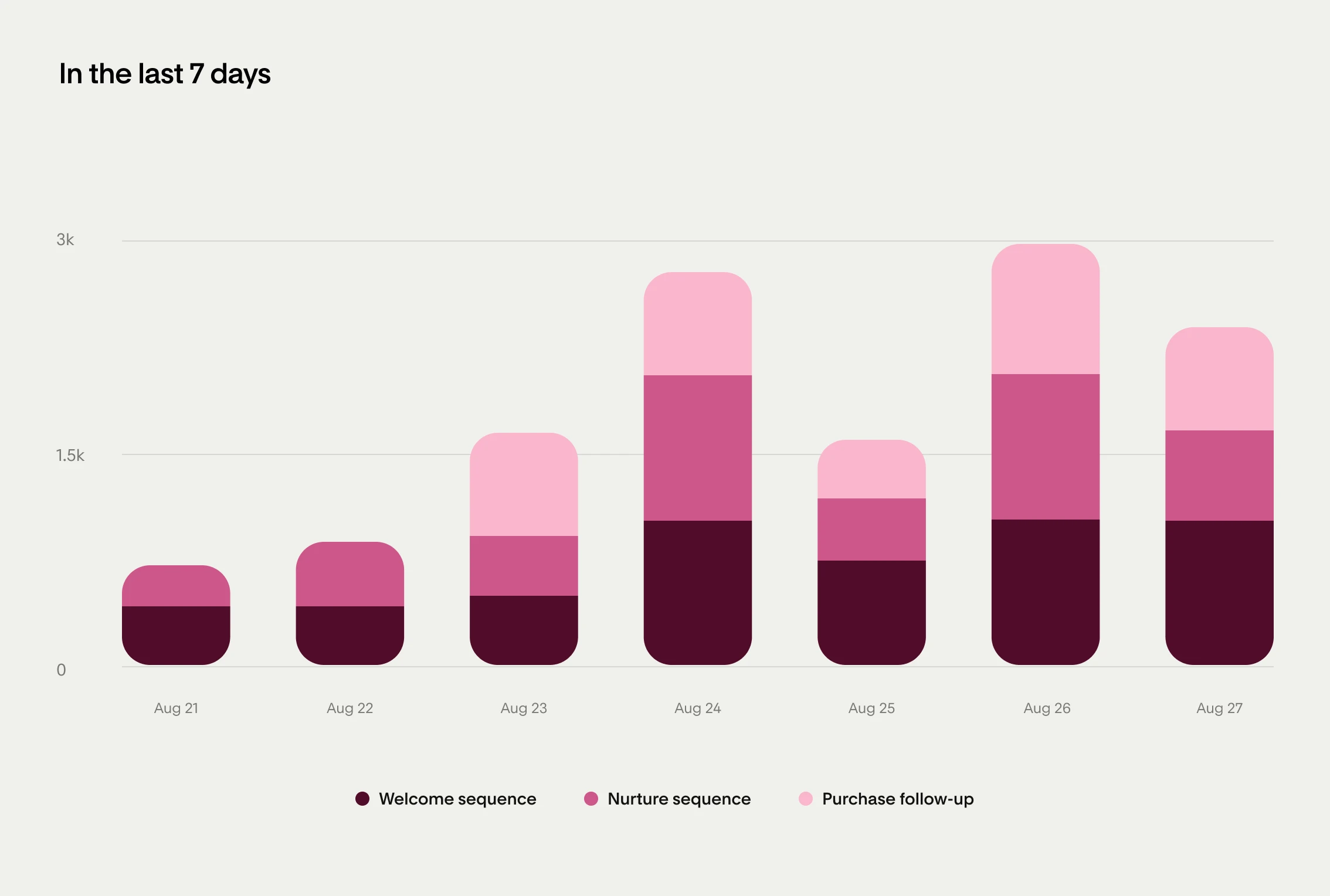
Automations that turn subscribers into customers
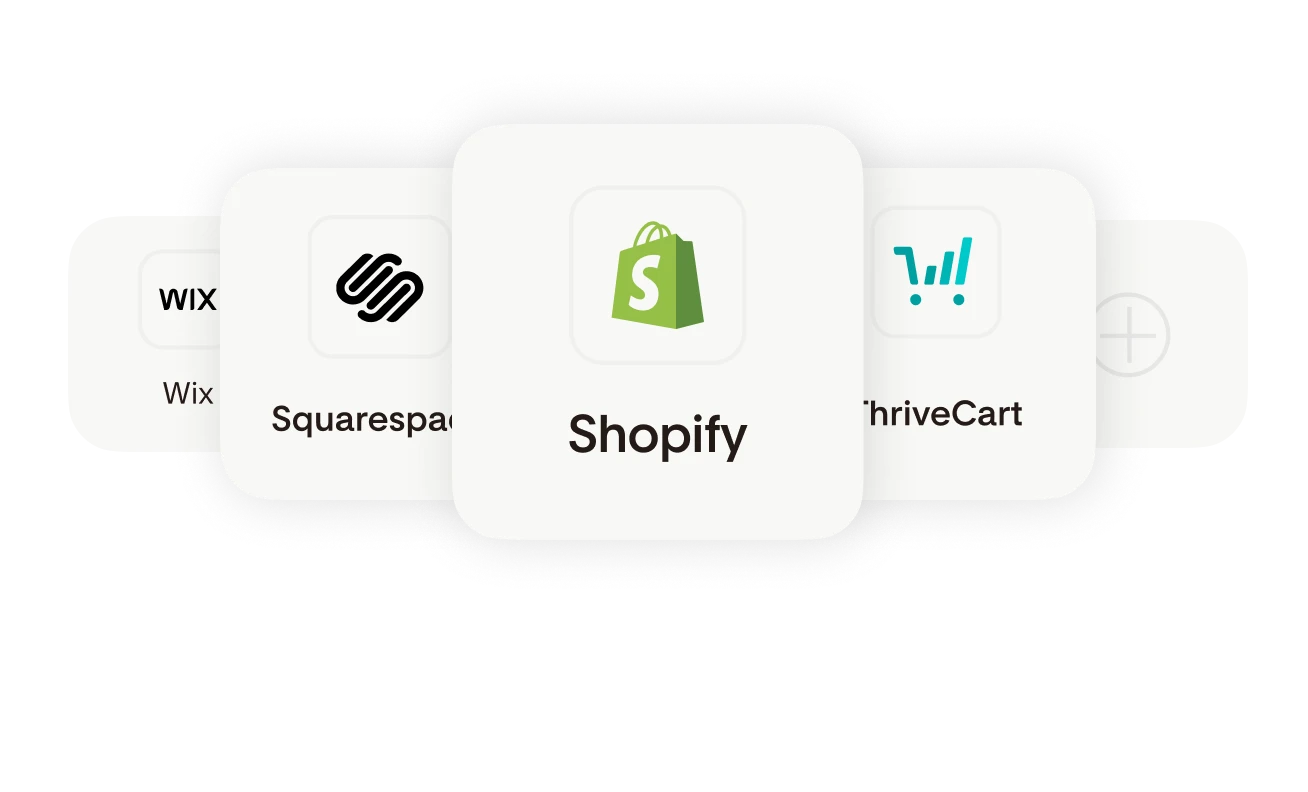
Store integrations
Start a workflow when someone buys on Shopify, WooCommerce, Squarespace, ThriveCart or Wix.
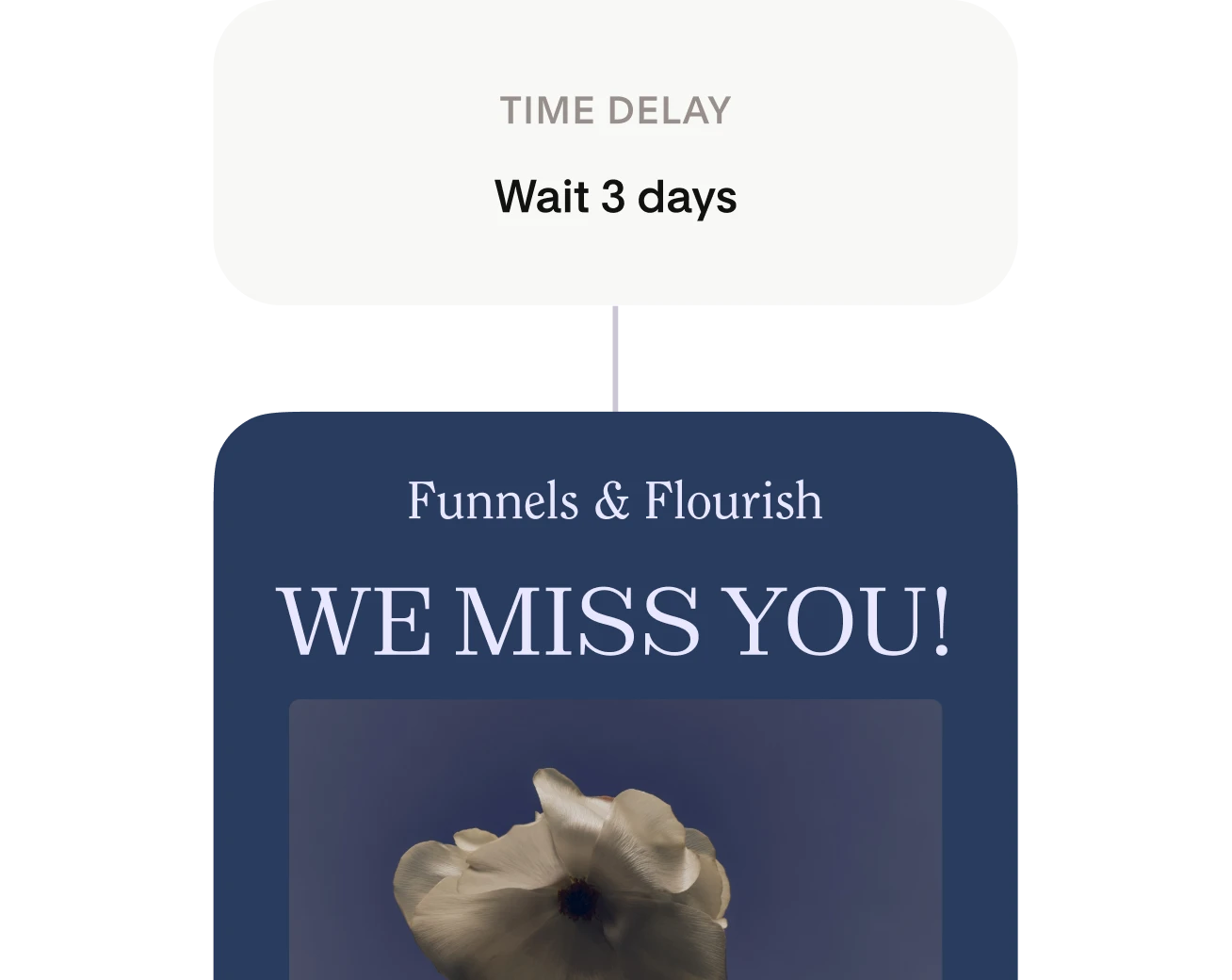
Time delays
Specify whether your subscribers wait for a number of days, a day of the week, or a time of day before moving to the next step.
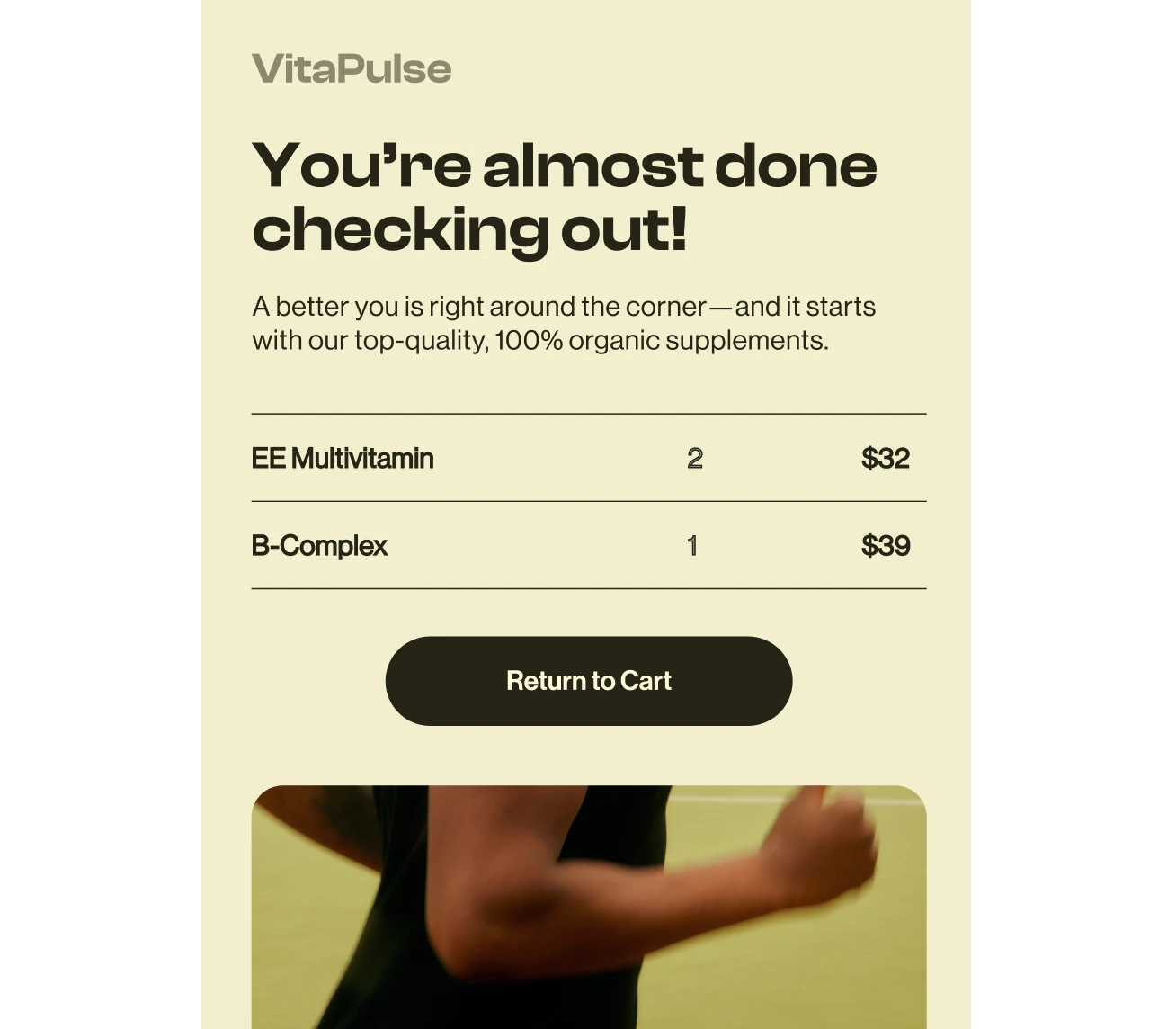
Abandoned cart reminders
Recover lost sales by reminding customers to finish their purchase with an email follow-up.
Advanced segmentation
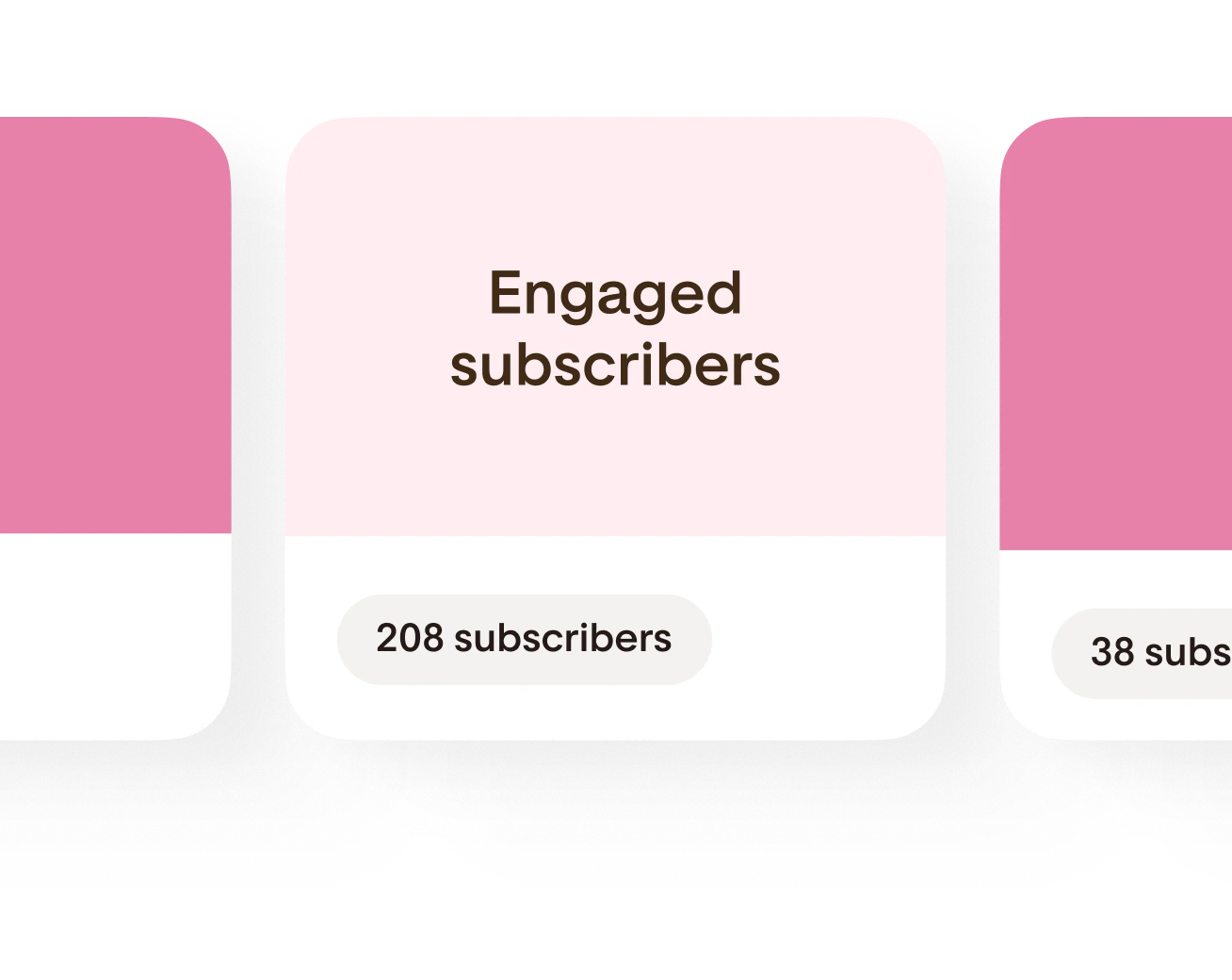
Easily organize your subscribers into groups so you can tailor content to specific audiences and stay hyper-relevant.
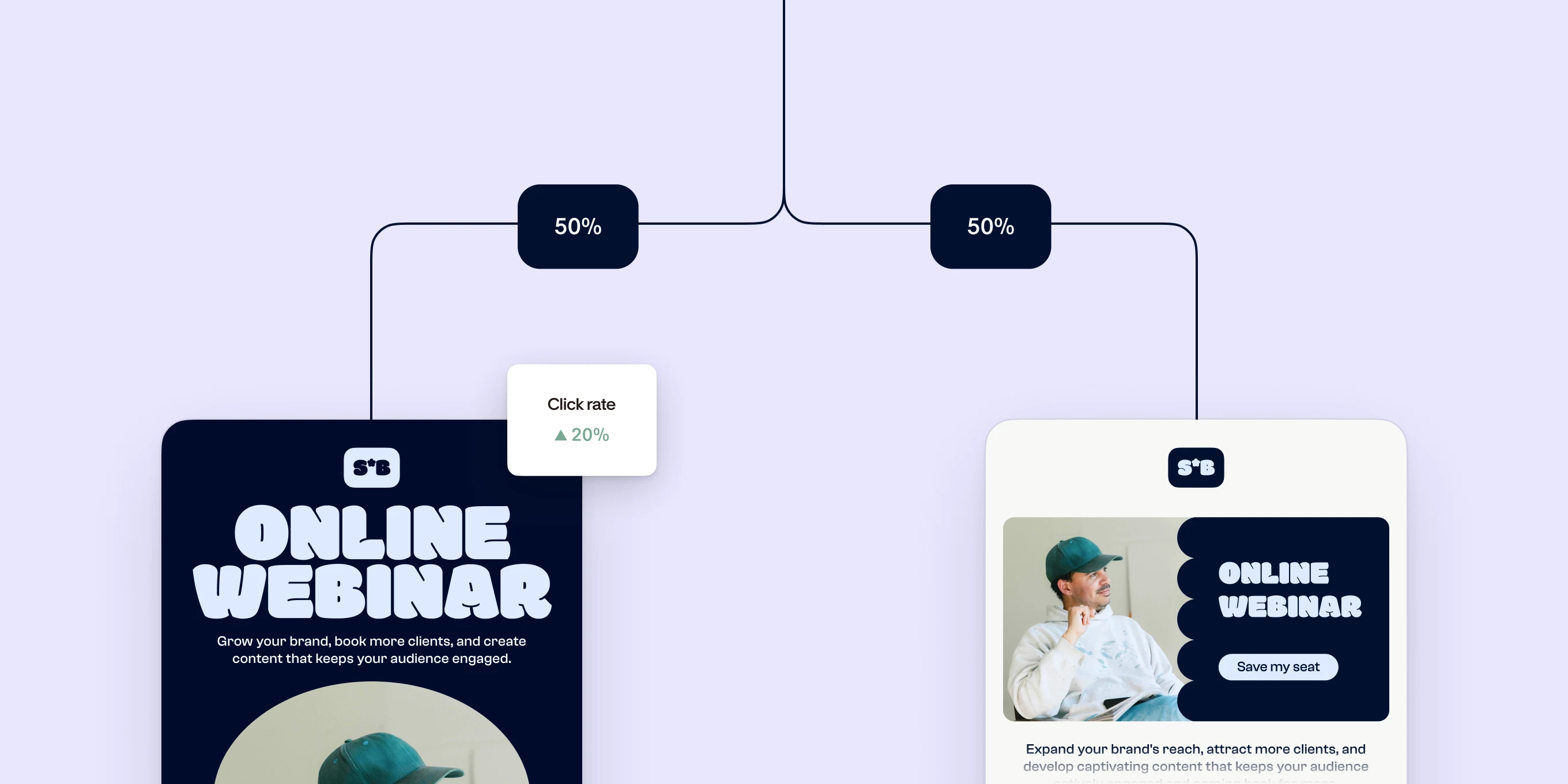
A/B test your workflow emails
Split a workflow into branches by percentage, send each branch a different version of your email and see which one performs best.
Analyze your workflows with AI
Connect Flodesk MCP to Claude or ChatGPT and ask about your workflows in plain words. Find out which one drives the most clicks, which links get the most taps and where to focus next, straight from your account data.

Flodesk in Claude
Connect your Flodesk account to Claude and ask it anything about your email marketing. Pull up your open rates, compare campaigns, or get a full performance summary without opening a single report.

Flodesk in ChatGPT
Flodesk MCP gives ChatGPT secure access to your analytics, subscribers, and emails. Ask it the best time to send, and it answers with your numbers, not a generic benchmark.
Every automation tool you'll need, built in
Multiple trigger types
Start a workflow when someone joins a segment, fills out a form, buys from you or leaves items in their cart.
Split paths
Send subscribers down different paths based on what they do, then bring the paths back together when they rejoin.
Engagement conditions
Branch on email opens, link clicks, checkout sales and custom fields, so each subscriber gets the email that fits.
Automate any email
Add pre-designed, customizable emails to any step in your workflow, so you stay on brand with every message.
Action steps
Add subscribers to segments or remove them automatically as they move through a workflow.
Exclude segments
Keep subscribers out of workflows that would send them irrelevant or repeat content.
Repeatable workflows
Let subscribers go through a workflow more than once, and choose how much time passes before they can repeat it.
Evergreen workflows
Let subscribers exit at the end or wait there until you add new content, so the journey keeps going.
Email expiration
Set a cutoff date on any email step. Subscribers who arrive after it skip that email and move on.
Trusted by top creators and small business owners

"Simple automations. Beautiful workflows. Rock-solid deliverability. I've used Flodesk for years—and it's still my go-to for creators who want email that actually works"

Steve Mellor

"Flodesk saves me hours on designing my newsletters. It used to take me a million steps. I love the editor and sales come within minutes of an email going out!"

Claire Xue, Moodelier

"Flodesk gives my ranch businesses a professional look effortlessly. It's fast, intuitive and makes branding on point every time!"

Mary Heffernan, Five Marys Ranch
Workflow emails beat the industry average
Workflows are just the start

Email marketing
Design beautiful, on-brand emails and newsletters without writing a line of code.


Checkout
Sell digital products and services with checkout pages built into your email marketing.


Integrations
Connect Flodesk to Shopify, Canva, Instagram and the other tools you already use.

Flodesk MCP
Ask Claude or ChatGPT about your emails, subscribers and sales in a conversation.
FAQ
- Start a free trial: Get unlimited access to emails, forms, automations and sales pages for a full 14 days to see if it's right for you.
- Choose a template or start from scratch: Easily design a welcome series, sales sequence, purchase follow-up, freebie delivery and more.
- Set automation rules and publish: Send the right thing at the right time based on checkout sales, email opens, link clicks, time periods, custom fields and more.